
Home
Here displays your PalmPay Accounts and real-time and historical statistics on PalmPay balances and transaction orders across multiple countries.
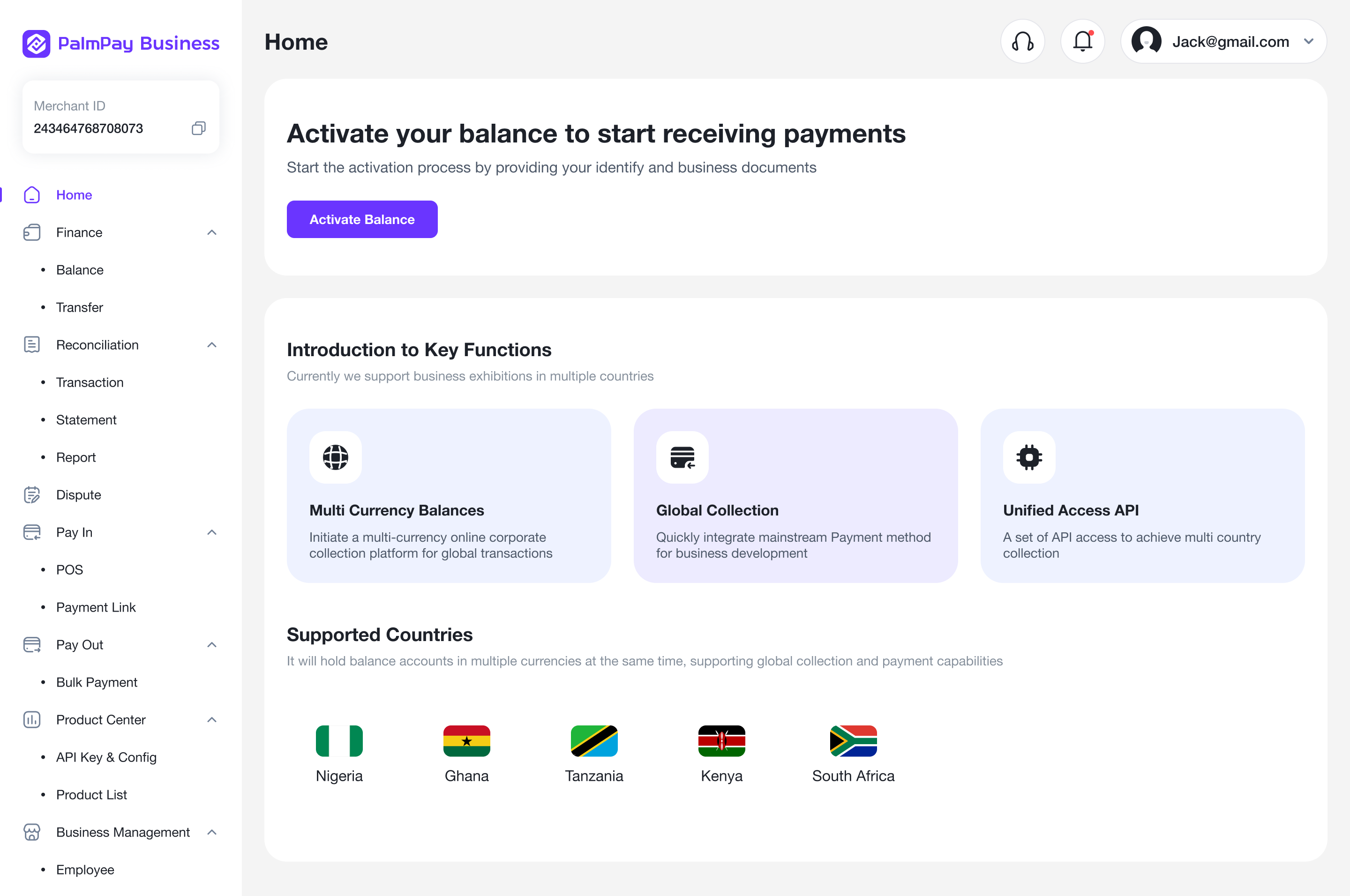
Activate Balance Account
- After the first successful login, you can click
Activate Balanceto activate your balance account and select the country you want to activate to enter the onboarding process.
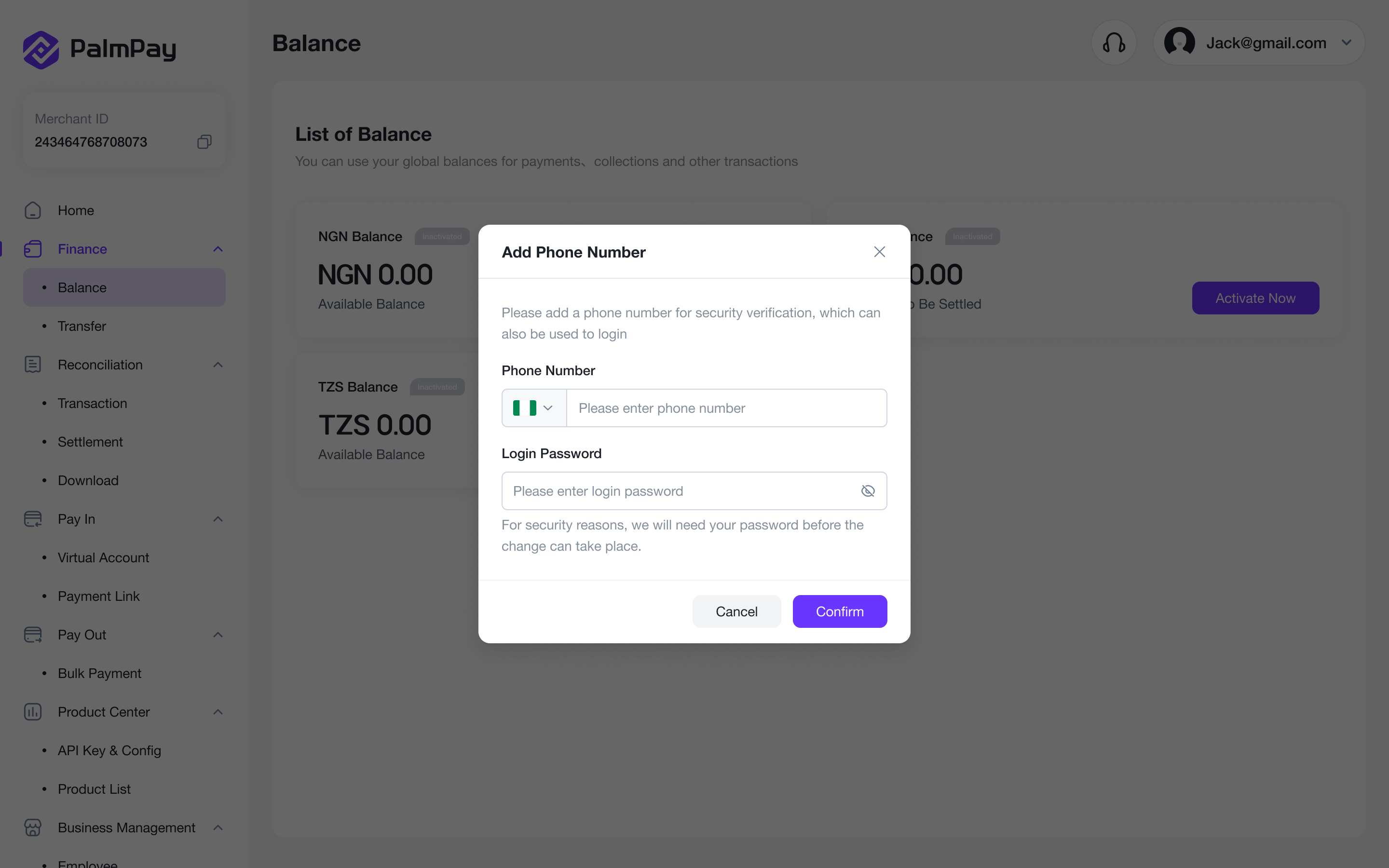
- If either your email address or mobile phone number is not bound, please bind it for security verification. Additionally, if you have not set a payment PIN, kindly do so first. Once your email/mobile number is bound and your payment PIN is set, you will be able to proceed with the onboarding process.
- Onboarding Process
The interface when onboarding:
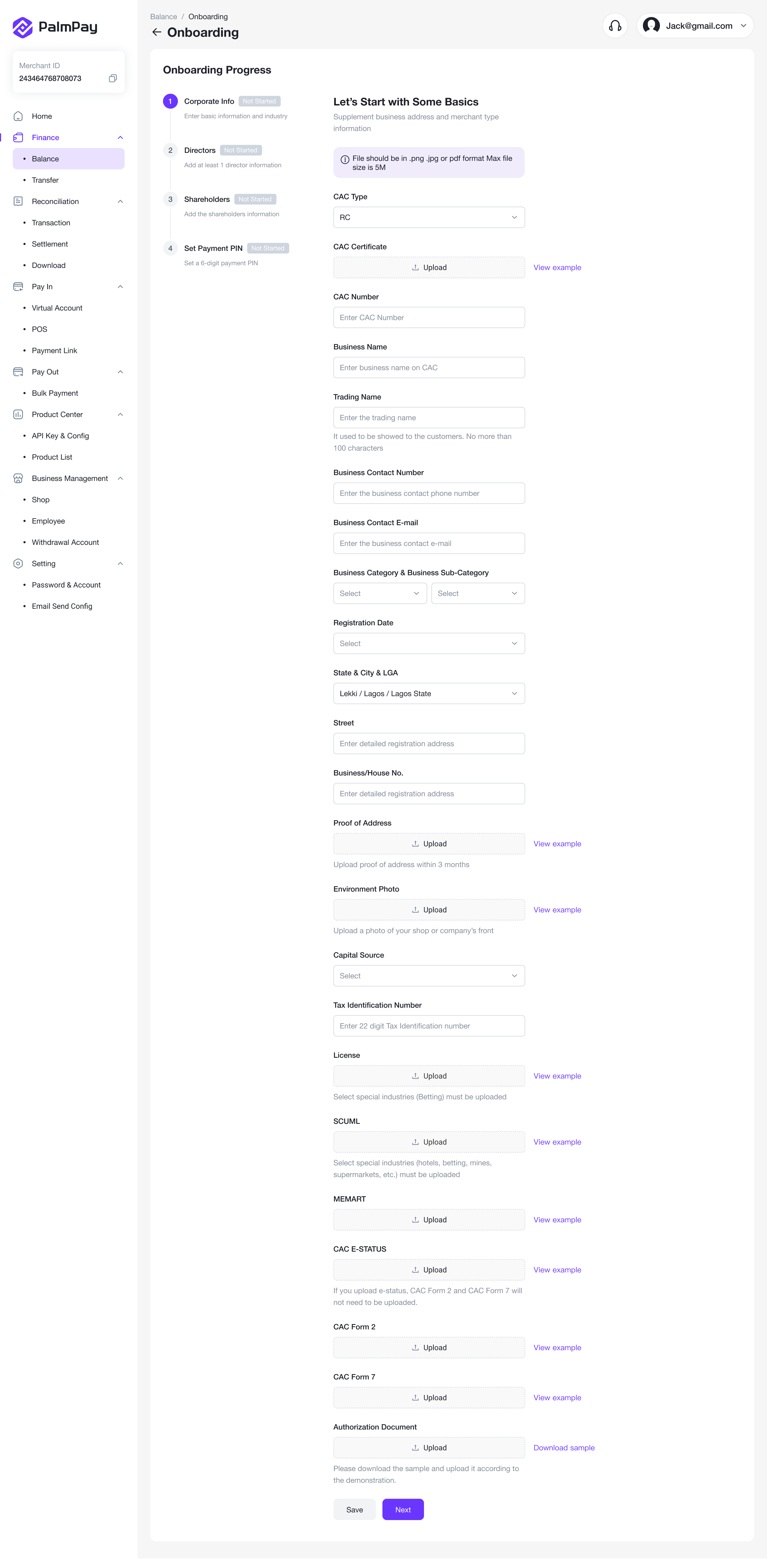
Please refer to the open document [Activate Account](https://docs.palmpay.com/#/en-us/merchant-entry-guidelines/guidelines-for-merchant-access/upgrade-your-account-to-lv4) to fill in the information.
The interface of Home after the account is activated
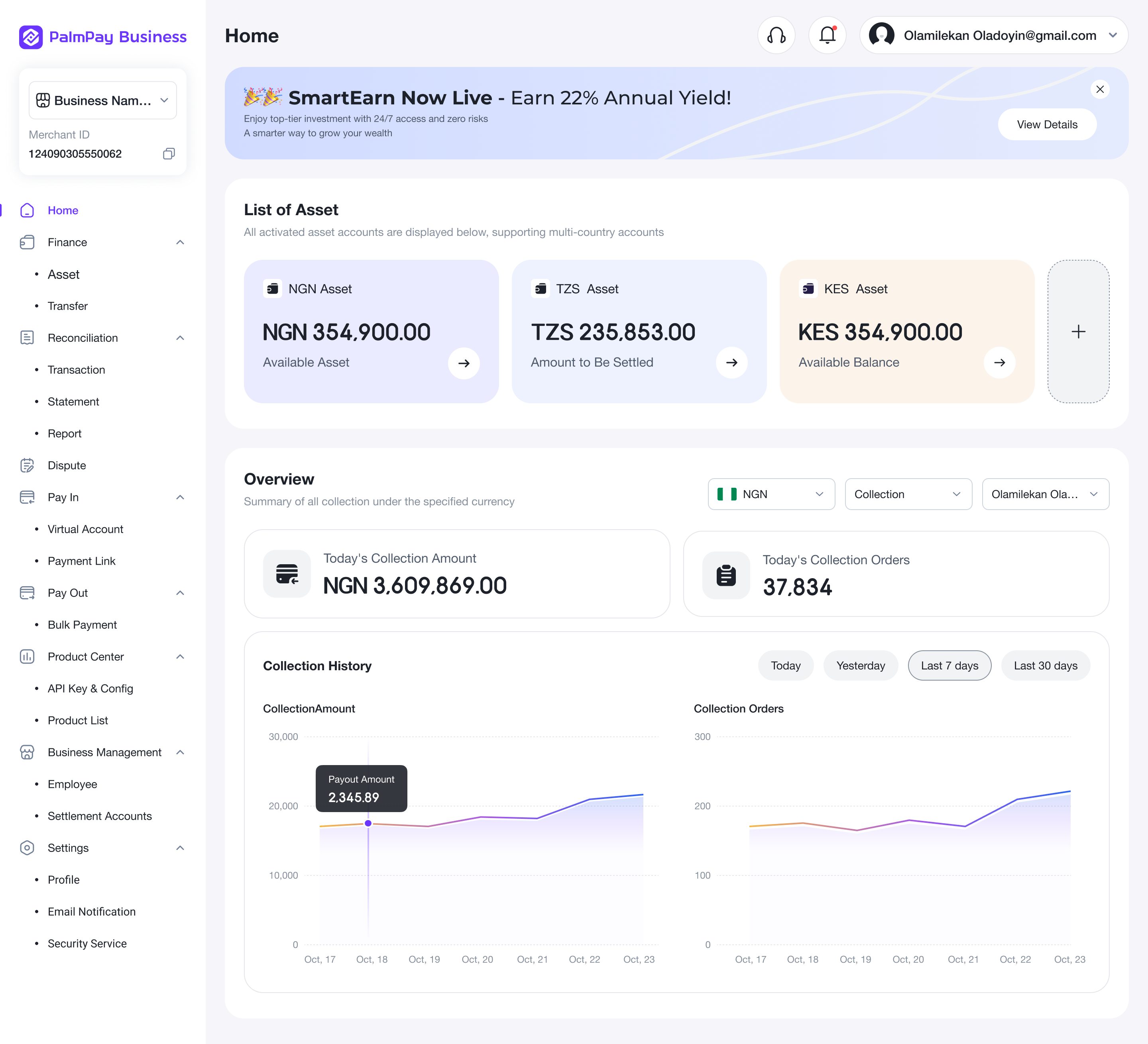
List of Asset
Display the activated balance accounts of multiple countries, could click to jump to the Asset screen to view the account details.
Overview
Here supports viewing statistics for the current day, yesterday, the last seven days and the last thirty days of transactions, with the option of selecting different countries and types of transactions.